


Valve Monitoring
If something in your system breaks, you should not have to find out the hard way. Valve Monitoring keeps an eye on your valves every time your sprinklers run and alerts you when something needs attention. After purchase, we’ll email you a redemption code to easily enable Valve Monitoring on your controller.
Key Benefits
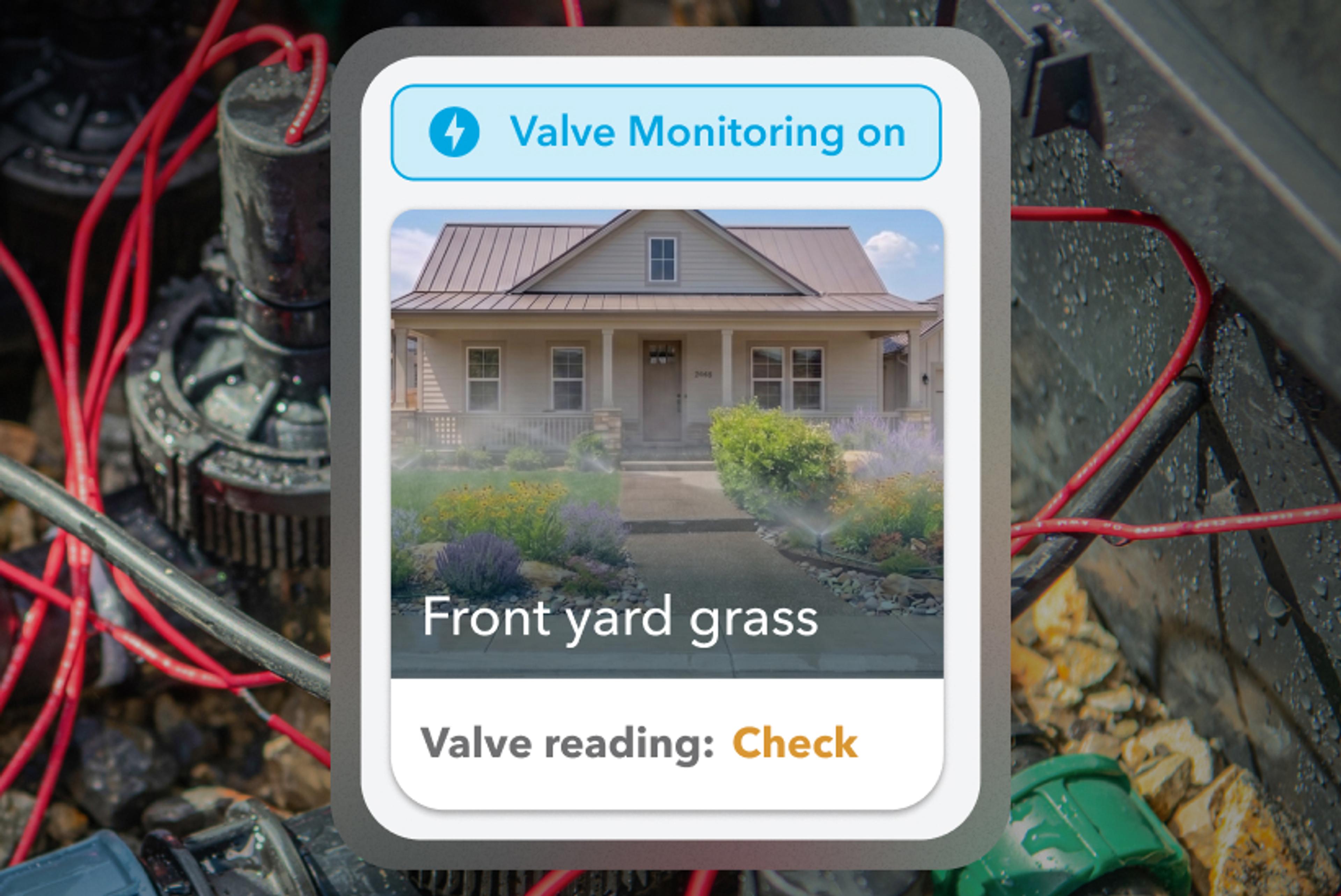
Calibrate once, then test every run without lifting a finger.
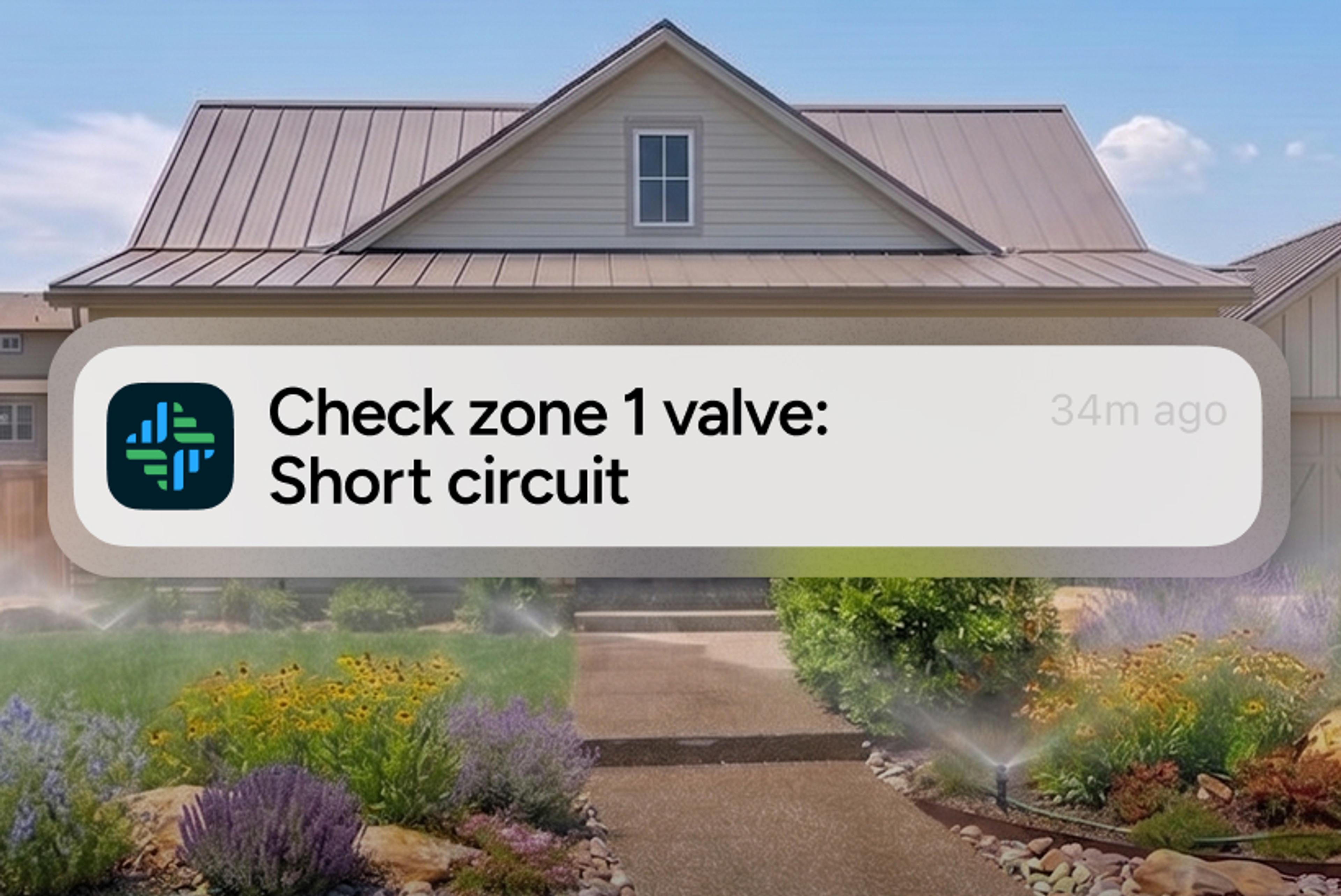
Email notifications for disconnected, dead, or shorted valves.
No subscription. Unlocked forever on a per‑controller basis.
How It Works
1. Purchase online and we’ll email you a redemption code
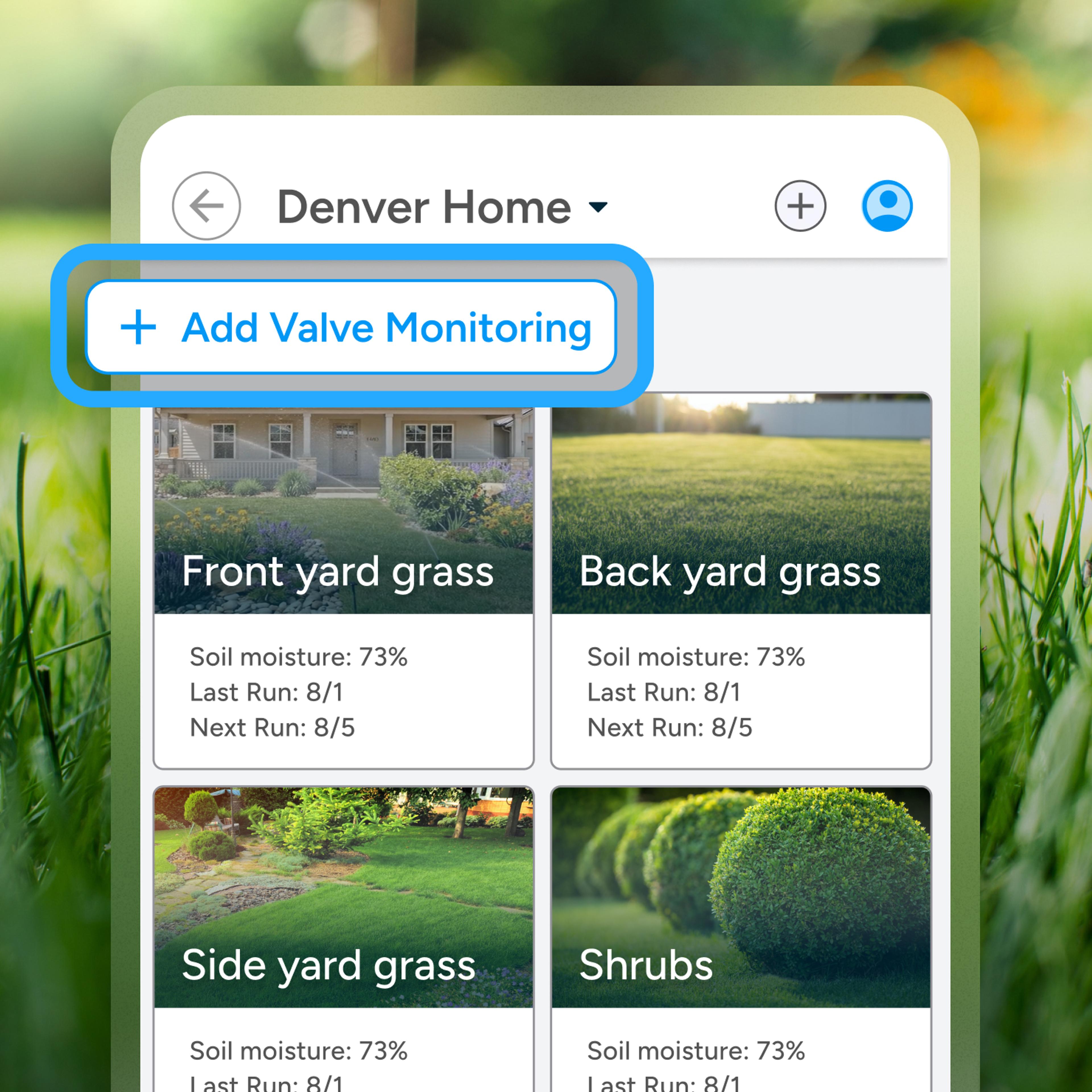
2. Activate Valve Monitoring in the Rachio App using the code
3. Calibrate your zones/valves
4. Your Rachio controller will automatically check each time your system runs
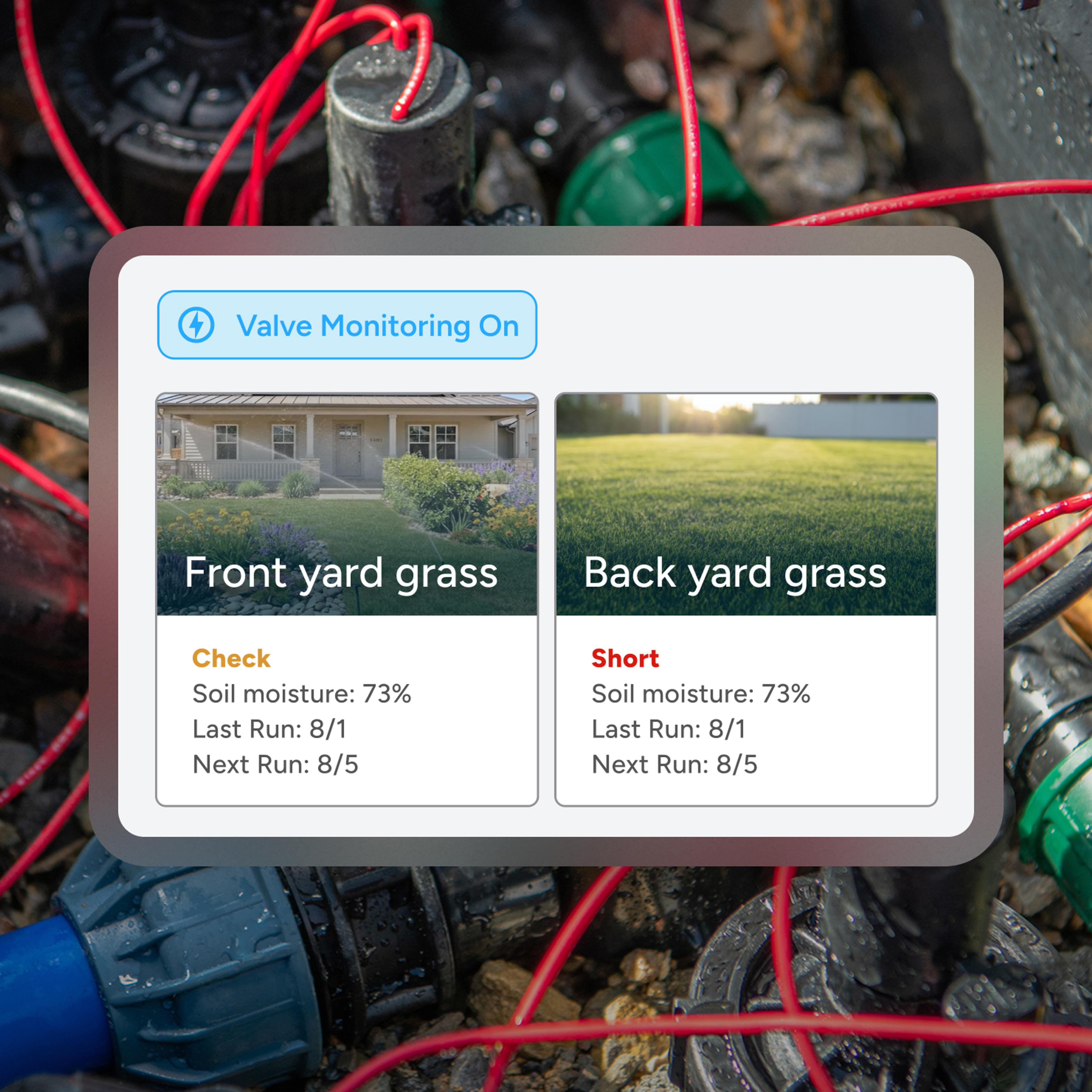
About Valve Monitoring
During a one-time calibration, your Rachio controller records the normal current draw (milliamps) for each zone. On every future run, it compares live current to that baseline to catch issues early. A drop below 30 mA flags a disconnected or failed valve; a spike above 400 mA signals a possible short. You can view a color-coded health status for all zones anytime in the Rachio App, and your irrigation pro can see alerts too, if you've shared access with them.
FAQ
Run each zone once; calibration happens automatically in the background.
Disconnected or dead valves (<30 mA) and high‑current shorts (>400 mA).
No. Current draw is the most reliable indicator of valve health.
Tap Zones and then Valve Monitoring in the app for a color‑coded health list.
Yes. Just invite them with Limited Shared Access so they can view alerts and zone details.